
10% off
Skip to content
Free shipping on orders of 2.000 ₺ or more10% lower than marketplace pricesSee it in your room: try a sconce on a photo of your own wall
Doorbell Buttons
5 products
5 products
- 10% offLogo and Name LED Doorbell Button
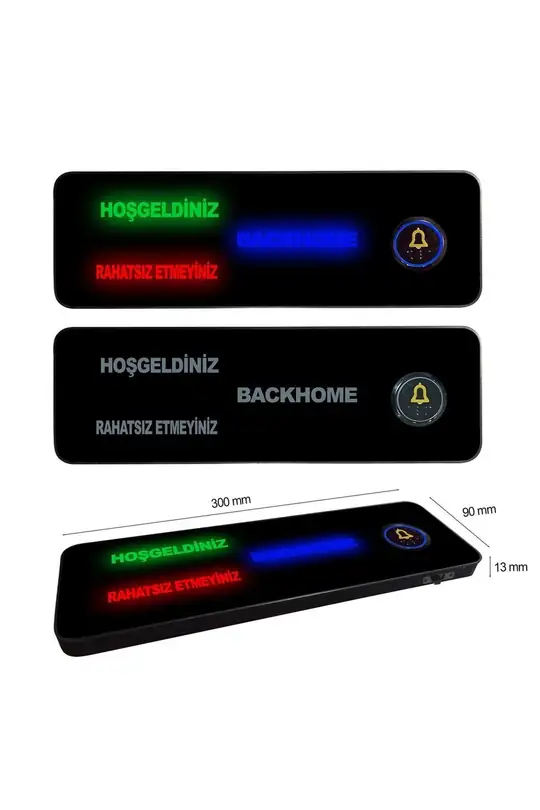
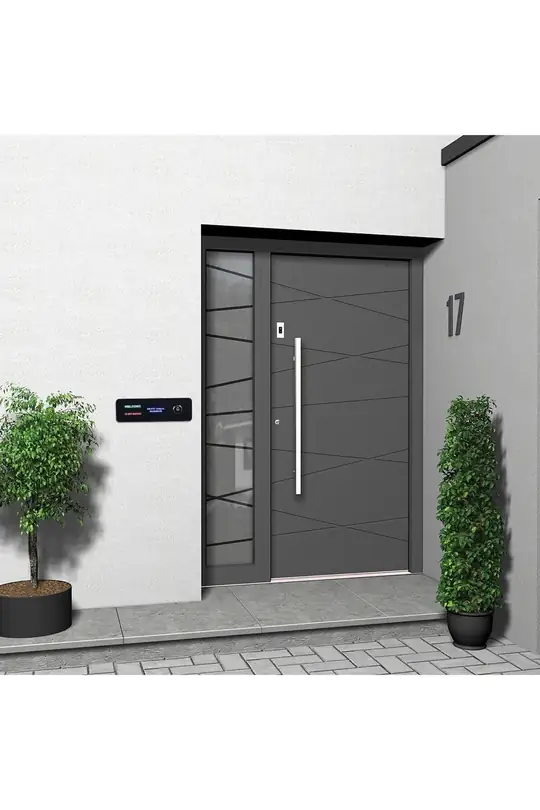
1.999 ₺Marketplace price1.799 ₺ - 10% offName Doorbell with Welcome and Do Not Disturb LED Sign
1.999 ₺Marketplace price1.799 ₺ - 10% off
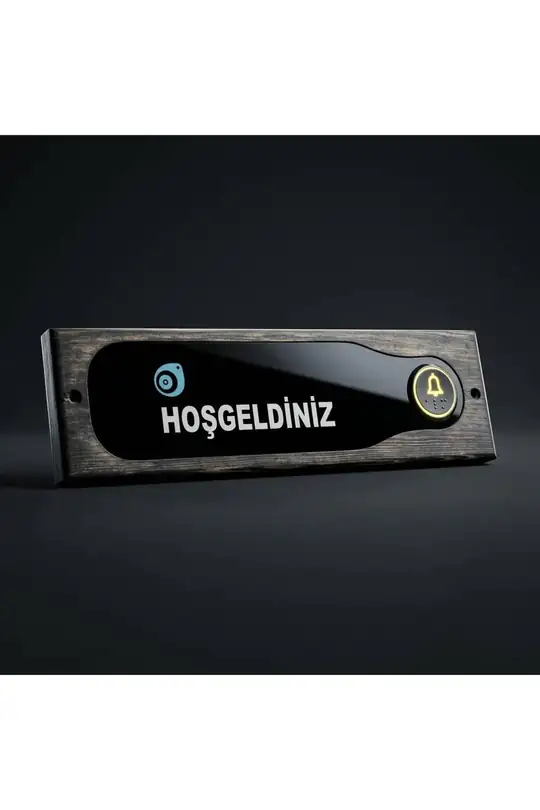
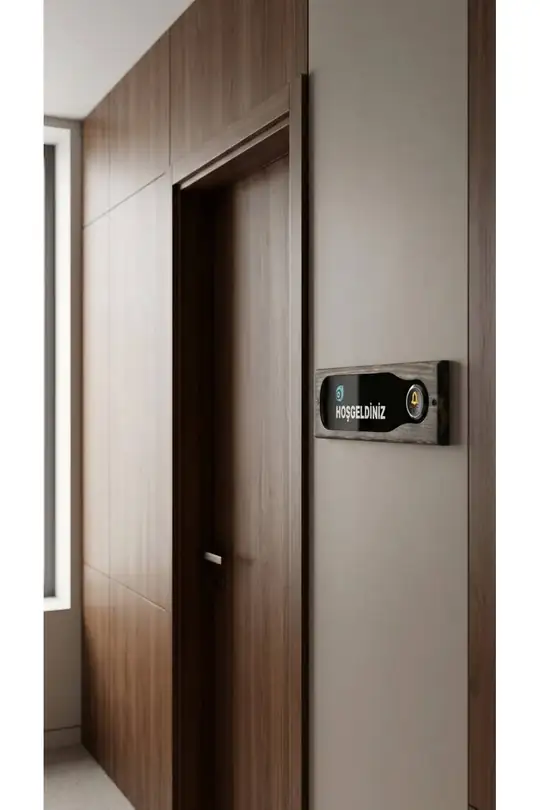
- 10% offWooden Welcome Doorbell Panel
999 ₺Marketplace price899 ₺
Doorbell Buttons: buying guide
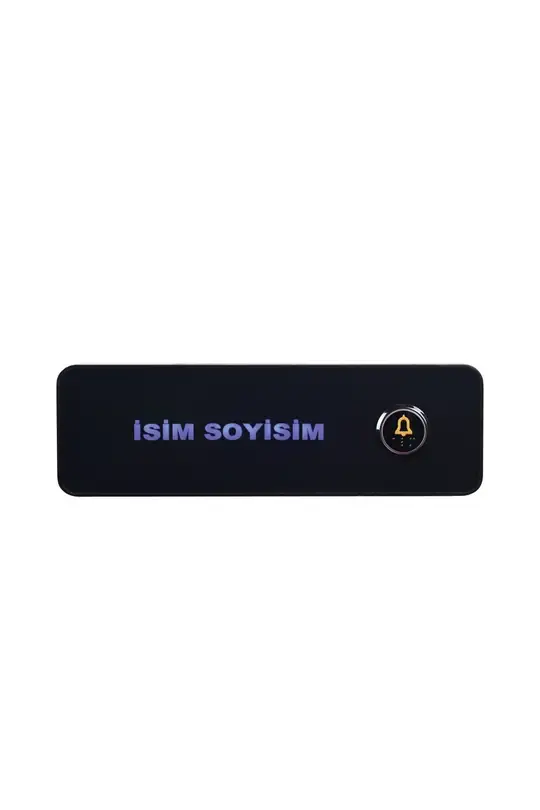
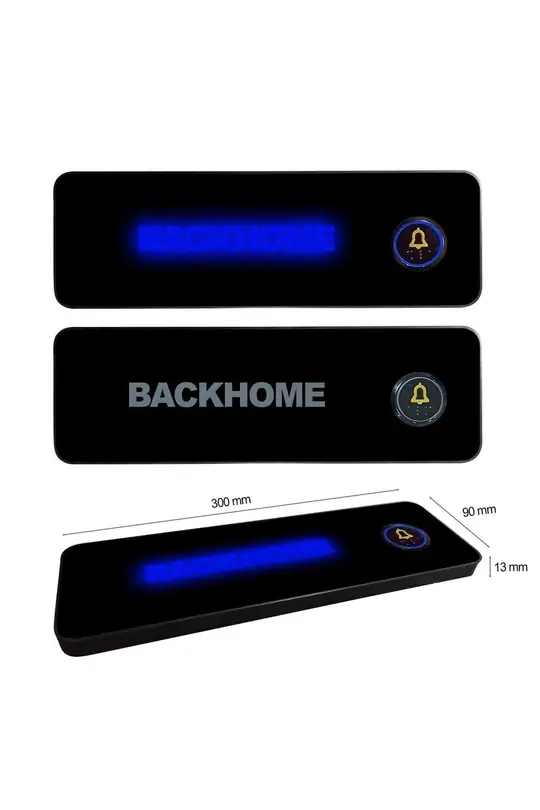
A personalised LED doorbell button is a decorative panel at the door that carries the bell push, shows your name or logo and, on most models, lights up with LED. This BACKHOME category has three kinds: name panels, a panel combining name and logo, and ready-made models that need no personalisation. Name and logo models measure 30 × 9 cm and run on a 12 V adaptor or an intercom connection. Ready-made models fit your existing doorbell connection. Below we compare the models, explain how to send personalisation details and what to check when fitting.
In short: Name and logo doorbell buttons are made to order after you buy; you type the name on the product page and, for the logo model, upload your logo there too. These panels measure 30 × 9 cm, arrive with an adaptor and run on a 12 V adaptor or intercom connection. If you want no personalisation, the wooden Welcome panel or the metal standard button fits your existing bell connection.
Which doorbell button models are there?
There are five models: three are made to order, two ship ready-made. The table sums up size, material and connection.
| Model | Personalisation | Size | Material | Connection |
|---|---|---|---|---|
| LED doorbell with name | Name | 30 × 9 cm, 13 mm thick | Plastic housing, acrylic | 12 V adaptor or intercom |
| Name doorbell with Welcome and Do Not Disturb | Name | 30 × 9 cm, 13 mm thick | Plastic housing, acrylic | 12 V adaptor or intercom |
| Doorbell with logo and name | Name and logo | 30 × 9 cm, 13 mm thick | Plastic housing, acrylic; wooden version on request | 12 V adaptor or intercom |
| Wooden Welcome doorbell panel | None; reads HOŞGELDİNİZ (Welcome) | 30 × 9 × 2 cm | Pine frame, acrylic/plexiglass panel | Existing doorbell connection |
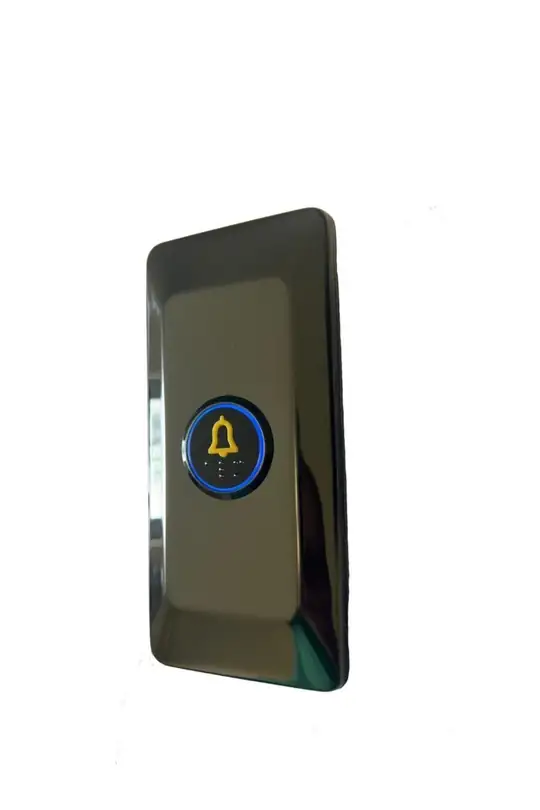
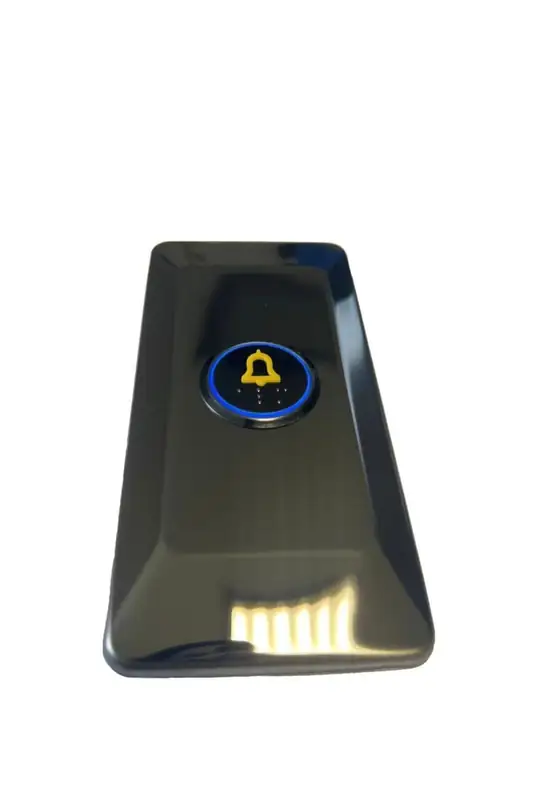
| Decorative LED doorbell button | None | 8 × 17 cm | Chrome-nickel stainless sheet; gold or black | Existing doorbell connection, no extra power |
Name and logo models come with 1 adaptor and fixing screws, and all three fit the existing doorbell connection.
How do you order a doorbell button with your name?
For name and logo models, you type the name for the panel in the “Name to display” field on the product page as you order; for the logo model, you upload your logo on the same page.
- Choose the model: Pick the name, Welcome and Do Not Disturb or logo model.
- Name: Type the name you want on the panel in the “Name to display” field on the product page.
- Logo: For the logo model, upload a PNG, JPG or PDF in the “Logo file” field; if the upload does not work, send it after ordering with your order number through the channels on our contact page.
- Wood: If you want the logo model in wood, tell us with your order number after ordering.
- Spelling check: Check the spelling, including Turkish characters (ç, ğ, ı, ö, ş, ü), before adding to your basket, then complete your order.
Items made to order for you are not covered by the right of withdrawal; details are on the product page.
How does the Welcome and Do Not Disturb model work?
The name, HOŞGELDİNİZ (Welcome) and RAHATSIZ ETMEYİNİZ (Do Not Disturb) lettering lights up with LED in separate colours; a switch under the panel turns on the Do Not Disturb light. Visitors see whether it is a good moment before ringing. Switch it on while a baby sleeps, while you work from home or during rest hours. On clinic, office and studio doors it does the same job during appointments. Like the other name models, it is 30 × 9 cm, with adaptor and screws.
Which model suits you if you want no personalisation?
For a ready-made model, choose the wooden Welcome panel or the metal standard LED button; both fit your existing doorbell connection and need no name details.
- Wooden Welcome panel: Natural pine frame, anthracite body and acrylic/plexiglass panel, with a bell-symbol button in Braille relief and gold-coloured detail. Ready-made screw holes on both sides fix it to a wall or wooden surface.
- Standard LED button: 8 cm wide and 17 cm tall, made of chrome-nickel stainless sheet, in gold or black. The button carries Braille, a blue LED lights its frame and it needs no extra power connection.
Braille relief helps visually impaired visitors find the button by touch. Typical spots: flat doors, house entrances, offices and workplaces.
How is a doorbell button fitted?
Doorbell buttons connect to the existing doorbell wiring and are screwed to the wall; name models also run on the 12 V adaptor in the box or the home intercom connection. Bell wiring varies by building, so we recommend a qualified electrician.
- Know your system: Find out whether you have a building intercom or a standalone bell.
- Switch off the fuse: Turn off the relevant fuse before you start.
- Measure: Check the panel fits the existing bell spot at 30 × 9 cm or 8 × 17 cm.
- Check before drilling: For new screw holes, check for cables and pipes with a detector.
How do a doorbell and a sconce work together at the door?
Pair the doorbell button with a slim sconce beside the door and the entrance looks lit and coherent in the evening. Indoors, in a building corridor or hallway, 4.5 cm wide Bubblelight sconces fit the narrow strip between door frame and corner; with no line, the battery model needs no cable. Matching bell and sconce colours ties the entrance together. For a single sconce, place it opposite the side the door opens to; for height, see our wall sconce height and placement guide. With See it in your room, upload a photo of your doorway and try the panel and a sconce beside it.
Where is a logo doorbell used?
The logo and name doorbell shows your company name and logo at office, clinic, bureau and shop doors. Visitors know they are at the right door before ringing. It also suits homes that want a family name and a chosen emblem at the door. You can ask for the logo model in wood instead of plastic and acrylic; just state it with your order number. For details, see the logo and name doorbell page.
Related categories
- Bubblelight Series: To choose a 4.5 cm sconce for the narrow wall beside the door.
- Battery Operated Wall Sconces: To add cable-free light in a hallway or corridor with no line.
- Wall Sconces: To compare every series for hallway, corridor and stairs.
- Decorative Lighting: To complete the entrance wall with a decorative LED piece such as the Tree of Life.
Frequently asked questions
How do I send the name for a name doorbell?
Type the name you want on the panel in the “Name to display” field on the product page as you order. For the logo model, upload your logo in the “Logo file” field; if that does not work, send it with your order number after ordering. Our channels are on the contact page. Checking spelling and Turkish characters before adding to your basket helps the panel come out as you want.
What connection does a name doorbell use?
Name and logo models run on a 12 V adaptor or the home intercom connection; the box holds 1 adaptor and fixing screws. The panel fits the existing doorbell connection. If unsure which system your building has, have a qualified electrician connect it and switch off the fuse first.
Does the standard LED button need extra power?
No. The decorative LED doorbell button fits straight onto your existing doorbell and its LED lights up; it needs no extra power connection. The button carries Braille and a blue LED lights its frame. It measures 8 × 17 cm, with a gold or black body.
What size are the doorbell panels?
The name, Welcome and Do Not Disturb, and logo panels are 30 cm wide, 9 cm tall and 13 mm thick. The wooden Welcome panel measures 30 × 9 cm and is 2 cm thick. The standard button is 8 × 17 cm. Measure the free space beside your door before ordering.
Can the logo doorbell be made in wood?
Yes. The logo and name model comes in plastic housing and acrylic as standard, and a wooden version can be chosen. Send that choice after ordering, quoting your order number. Add any questions about the logo or layout to the same message.
Which models have a Braille button?
The wooden Welcome panel has a bell-symbol button in Braille relief, and the standard LED button has a Braille button. Braille relief helps visually impaired visitors find the button by touch. For name and logo models, check the button detail in the product photos.
Picked your model? Check the measurements and order from the product page; for name and logo models, type the name in the field on the product page.